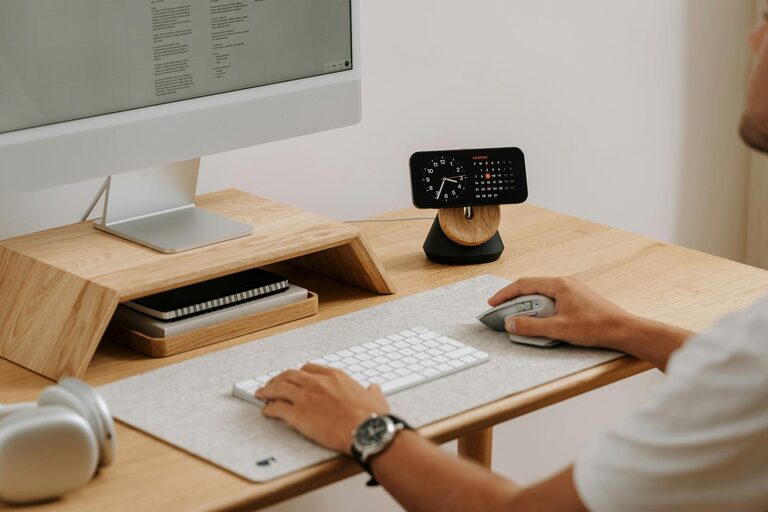
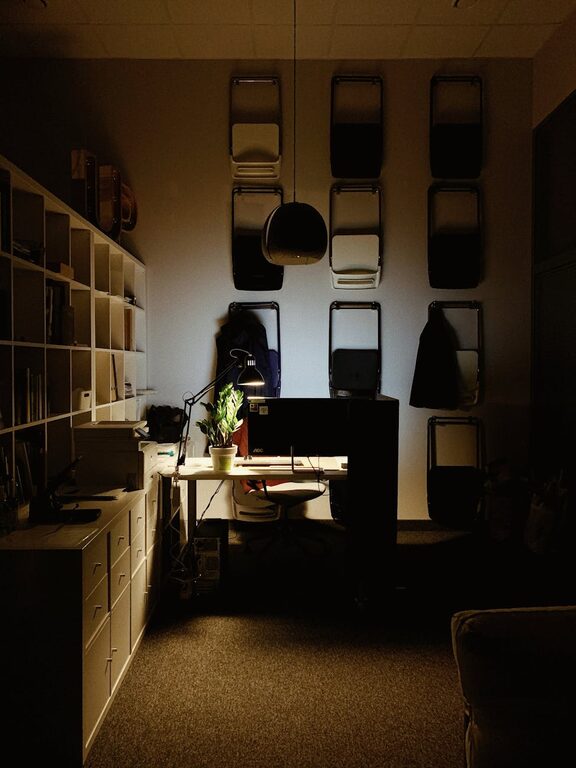
Creating a comfortable and productive home office space is essential for anyone working remotely or managing tasks from home. An organized workspace not only helps improve focus but also reduces stress and increases motivation. Whether you have a dedicated room or just a corner in your living area, these tips will guide you in setting up an efficient home office.
Choose the Right Location
Selecting the right spot for your home office is the first step toward productivity. Ideally, choose a quiet area with minimal distractions. If possible, pick a space with natural light, as this can boost mood and reduce eye strain.
Consider These Factors:
– Privacy: Avoid high-traffic zones like the kitchen or living room.
– Space: Ensure there is enough room for your desk, chair, and equipment.
– Connectivity: Check for reliable internet access and electrical outlets.
Invest in Ergonomic Furniture
Comfort plays a big role in maintaining productivity. An ergonomic office chair and desk can prevent discomfort and health issues like back pain.
Tips for Ergonomic Setup:
– Chair: Look for adjustable height, lumbar support, and comfortable cushioning.
– Desk: Choose a desk at a height where your elbows rest at a 90-degree angle when typing.
– Monitor: Position your computer screen at eye level to minimize neck strain.
Declutter Your Workspace
A cluttered desk can lead to a cluttered mind. Keeping your workspace tidy helps minimize distractions and enhances focus.
Strategies to Declutter:
– Limit Desk Items: Keep only essential items on your desk.
– Use Storage Solutions: Utilize shelves, drawers, or organizers for supplies and documents.
– Daily Clean-Up: Spend a few minutes at the end of each day tidying your desk.
Organize Your Digital Space
Physical space is important, but digital organization is equally critical in a home office.
Helpful Tips:
– File Management: Create clear folder structures for documents and projects.
– Email Sorting: Use labels and filters to keep your inbox manageable.
– Regular Backups: Backup your work regularly to avoid data loss.
Optimize Lighting
Proper lighting can reduce eye strain and boost energy levels.
Lighting Considerations:
– Natural Light: Position your desk near windows to take advantage of daylight.
– Task Lighting: Use a desk lamp for focused lighting during detailed work.
– Avoid Glare: Arrange screens to prevent reflections from windows or lamps.
Personalize Your Space
Personal touches can make your home office inviting and motivating.
Ideas to Personalize:
– Add plants for a touch of greenery and improved air quality.
– Display artwork or photos that inspire you.
– Use colors that enhance your mood, such as calming blues or energizing yellows.
Minimize Distractions
Staying focused at home can be challenging. Setting boundaries and reducing distractions is key.
How to Minimize Interruptions:
– Inform family or roommates about your working hours.
– Use noise-canceling headphones or play soft background music.
– Turn off non-work-related notifications on your devices.
Establish a Routine
Maintaining a routine helps separate work from personal life and keeps productivity on track.
Routine Tips:
– Set consistent working hours.
– Take regular breaks to stretch or walk.
– Plan your tasks using to-do lists or digital planners.
Incorporate Technology Wisely
Technology tools can enhance your workflow when used effectively.
Recommended Tools:
– Use task management apps like Trello or Asana.
– Utilize communication platforms like Zoom or Teams for meetings.
– Invest in a good quality printer and scanner if needed.
—
By thoughtfully designing your home office space with these tips, you can create an environment that supports focus, comfort, and efficiency. Remember, the key is to tailor the space to your personal needs and preferences, making it a place where you enjoy spending time and accomplishing your goals.