Creating a home office that is both cozy and functional can transform the way you work and feel throughout the day. When your workspace is comfortable and well-organized, it boosts productivity and reduces stress. Whether you have a dedicated room or just a small corner, these tips will help you design a workspace tailored to your needs.
Choosing the Right Location
Start by selecting a spot in your home where you feel comfortable and can focus. Ideally, this area should have:
– Good natural light to keep you alert and reduce eye strain.
– Minimal noise or distractions, especially if you attend virtual meetings.
– Enough space to accommodate your desk, chair, and storage.
If a separate room isn’t possible, a quiet nook in the living room or bedroom can work well too.
Investing in Comfortable and Practical Furniture
Your furniture plays a crucial role in both comfort and functionality.
Ergonomic Chair
Choose a chair that supports your posture, ideally adjustable for height and back support. Sitting comfortably prevents aches and helps you stay focused longer.
Desk Options
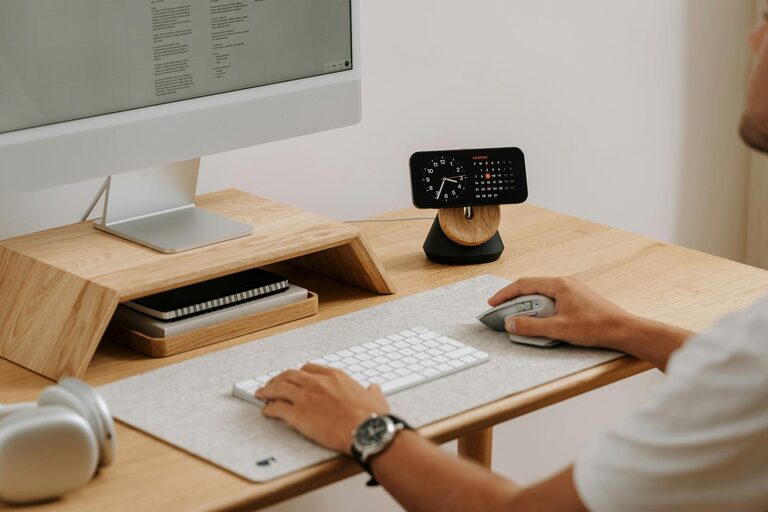
Select a desk size that fits your available space but also leaves room for your essential tools—a computer, notebooks, and perhaps a few personal items that motivate you.
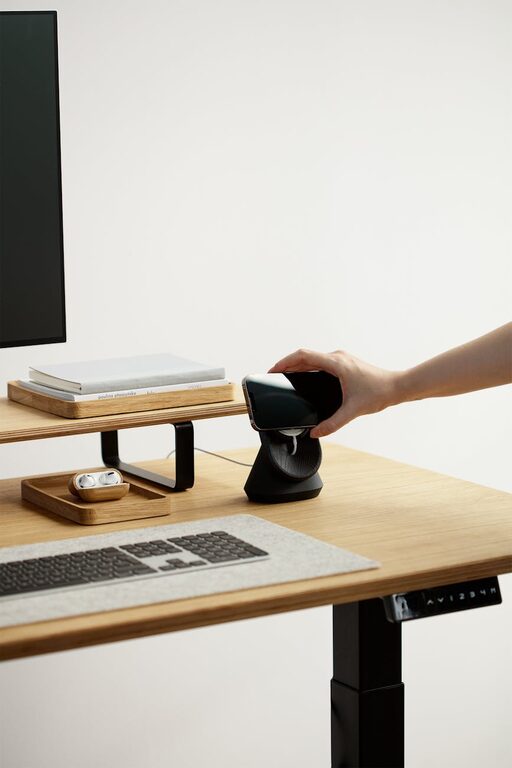
Consider desks with built-in storage or add shelves nearby to keep your surface tidy.
Lighting Matters
Good lighting provides energy and reduces eye strain.
– Use a combination of natural light and task lighting.
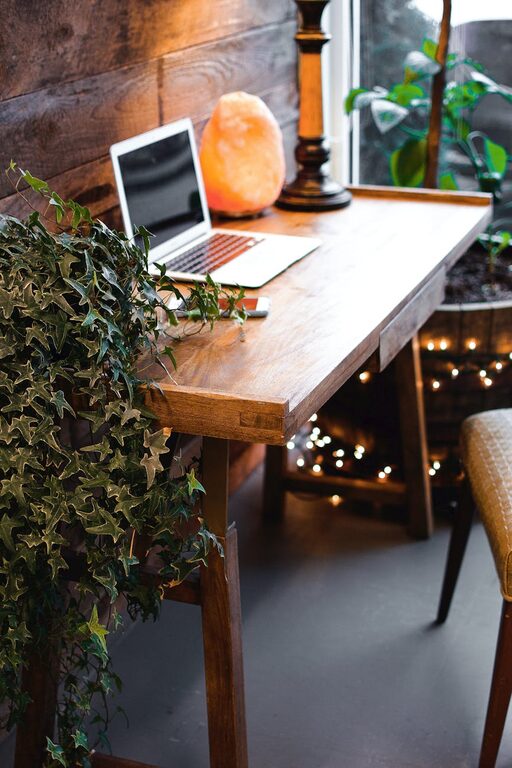
– Place your desk near a window if possible.
– Add a desk lamp with adjustable brightness to focus light where needed.
– Avoid harsh overhead lights by opting for warm or soft white bulbs.
Organize Your Workspace
A clutter-free environment supports clearer thinking and efficiency.
Use Storage Solutions
– Baskets, shelves, or filing cabinets keep documents and tools in order.
– Drawer organizers help keep small items like pens and clips neat.
Cable Management
Manage cords and cables with clips or sleeves to prevent tangling and maintain a clean look.
Personal Touches for Cozy Vibes
Adding personal touches creates a space where you feel happy and inspired.
– Include plants for a splash of greenery and improved air quality.
– Hang artwork or photos that motivate or calm you.
– Use soft textiles, like cushions or area rugs, to add warmth.
However, avoid over-decorating to maintain balance and prevent distraction.
Tech Setup and Connectivity
Ensure your technology setup supports your work without frustration.
– Invest in a reliable internet connection.
– Use wireless peripherals to reduce clutter.
– Position your monitor at eye level to avoid neck strain.
Establish Boundaries and Routine
Even in a cozy home office, setting boundaries helps you maintain productivity.
– Use a door or divider to separate your workspace.
– Set specific work hours and take regular breaks to avoid burnout.
– Inform family members or roommates about your schedule to minimize interruptions.
Keep it Flexible
Your needs may change over time, so create a space that can adapt.
– Choose modular furniture or mobile storage units.
– Keep some space free to add new equipment or adjust your setup.
– Regularly assess what works and make improvements.
—
A cozy and functional home office combines comfort, organization, and personal style to create an environment that supports your best work. Implement these tips to design a space where you enjoy spending your workday, leading to greater satisfaction and productivity.